🖥️

VPS Monitor Pro

Complete MT5 Monitoring Solution

Monitor all your MT5 accounts across multiple VPS servers from one dashboard. Includes VPS Monitor, Local PC Monitor, and Web Dashboard.

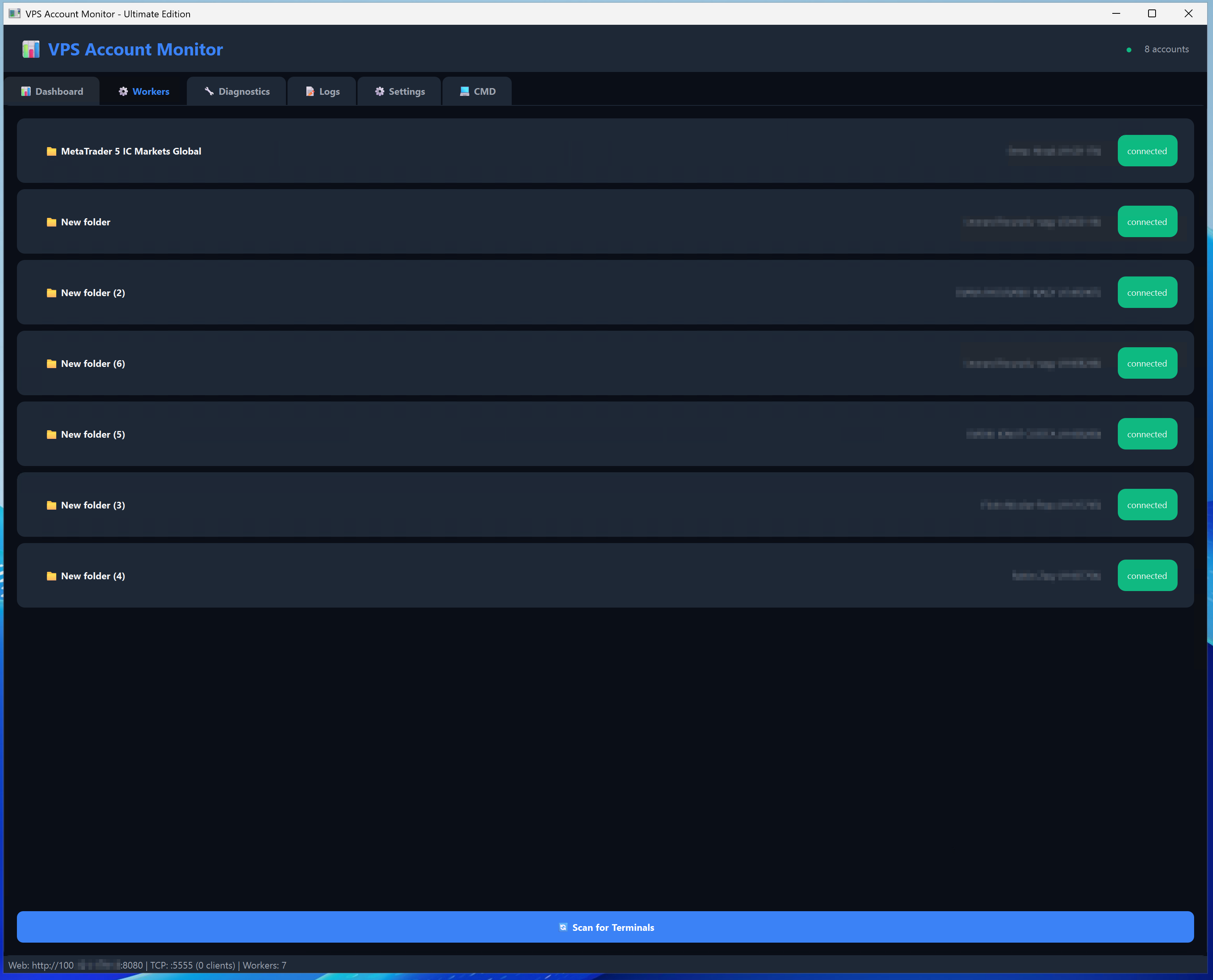
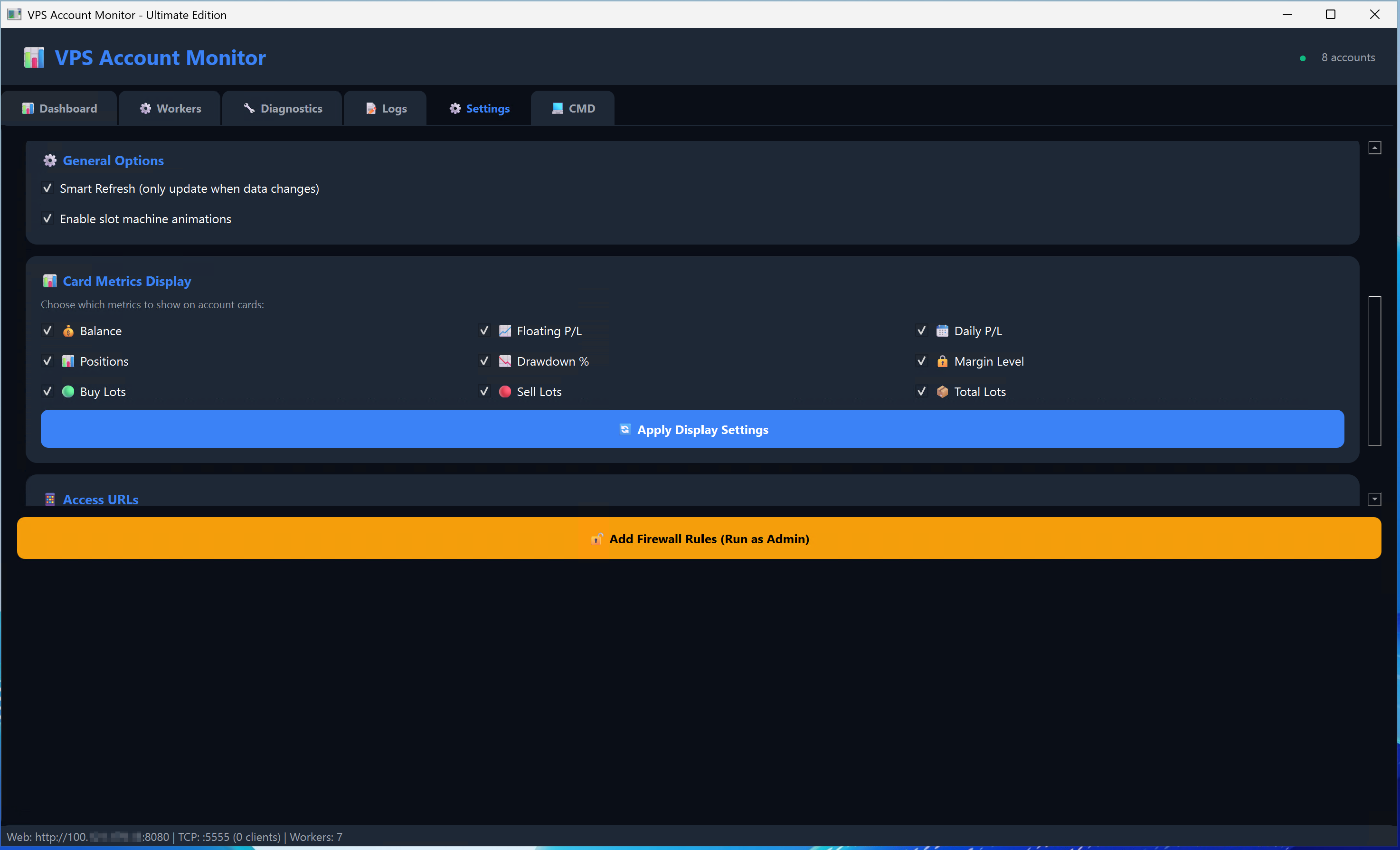
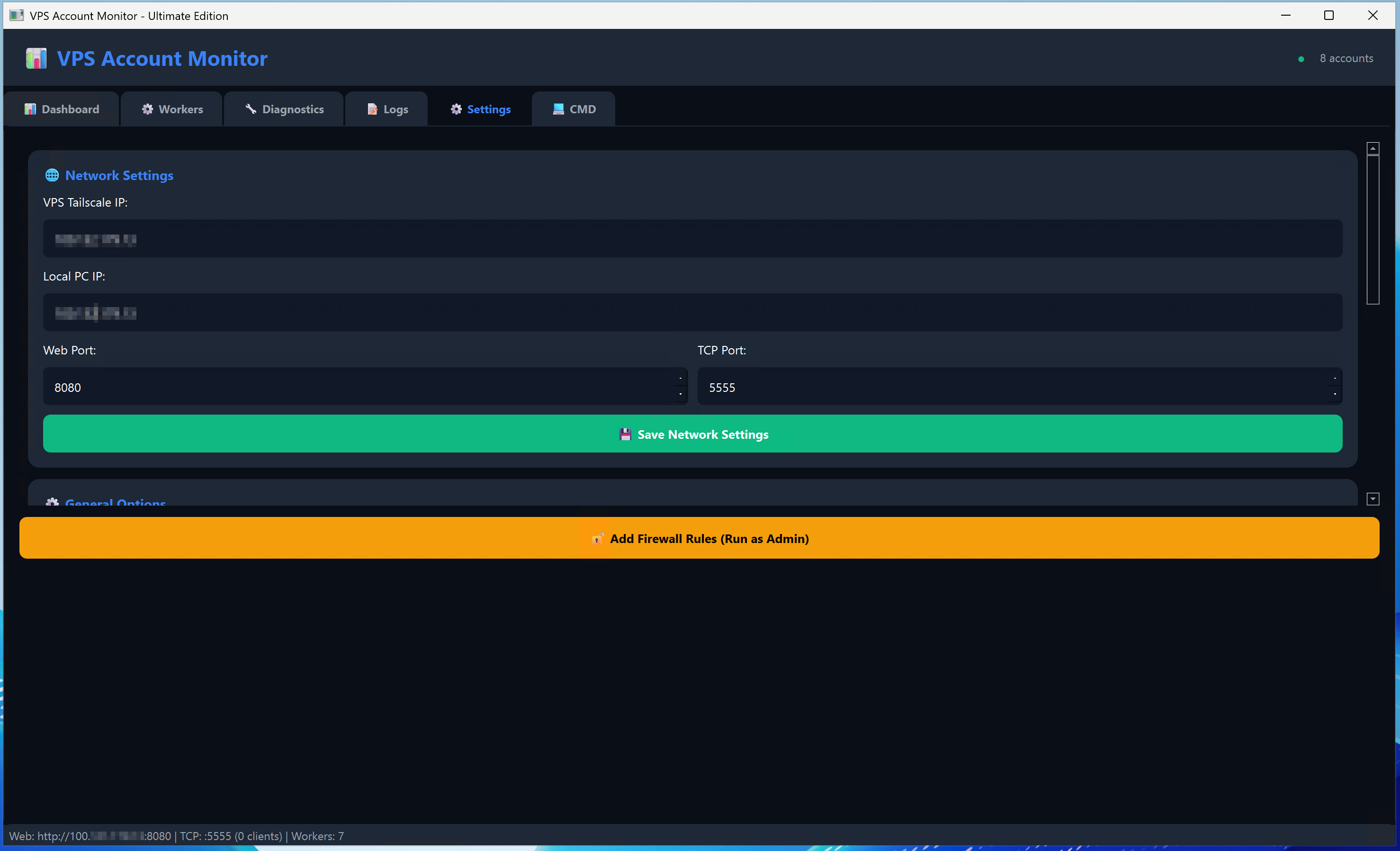
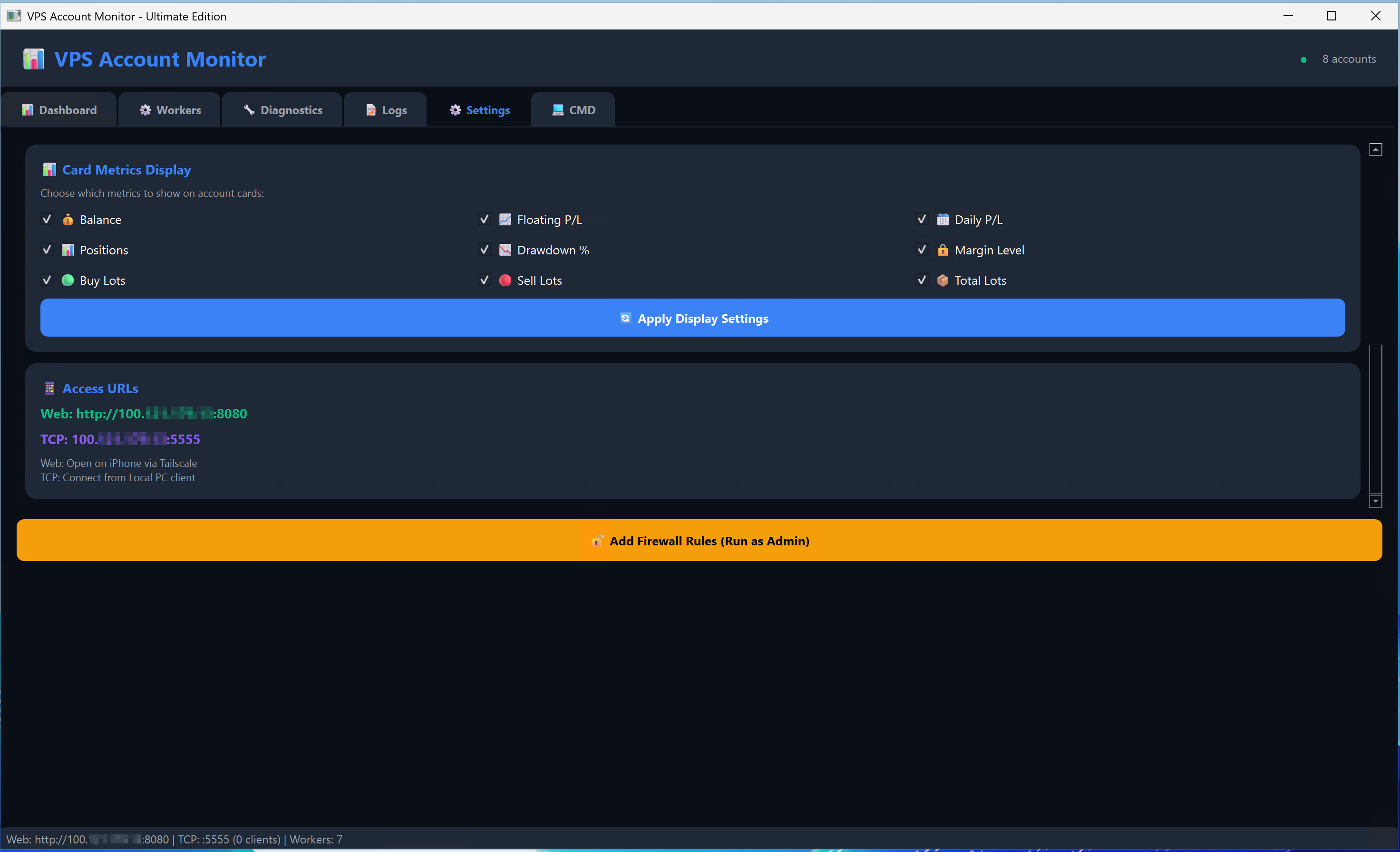
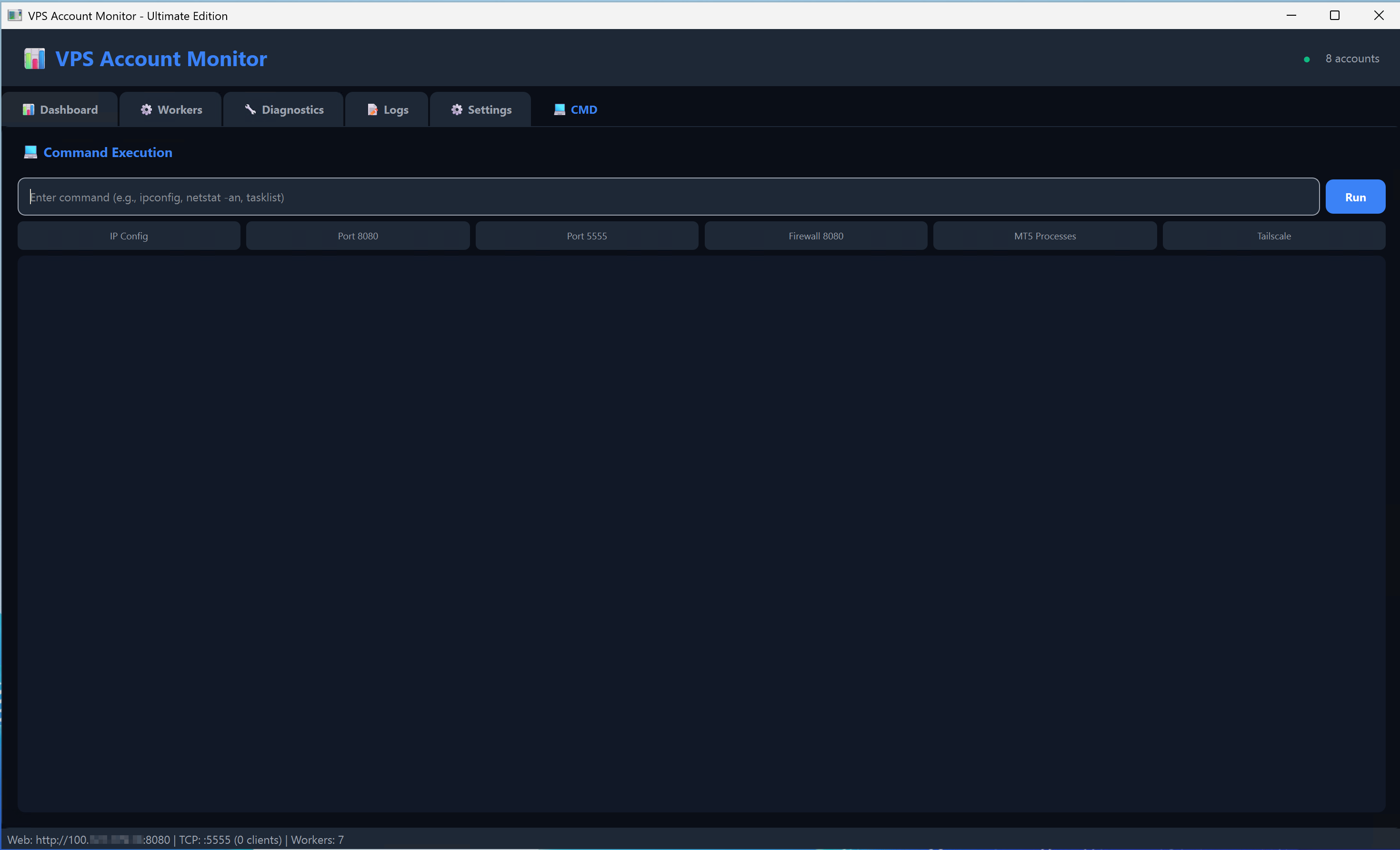
📸 VPS Monitor Screenshot
Insert screenshot here
What's Included

Three Powerful Applications

VPS Monitor Pro includes everything you need for complete monitoring

🖥️

VPS Monitor

Runs on your VPS server. Monitors all MT5 accounts and sends data to your Local PC and Web Dashboard.

💻

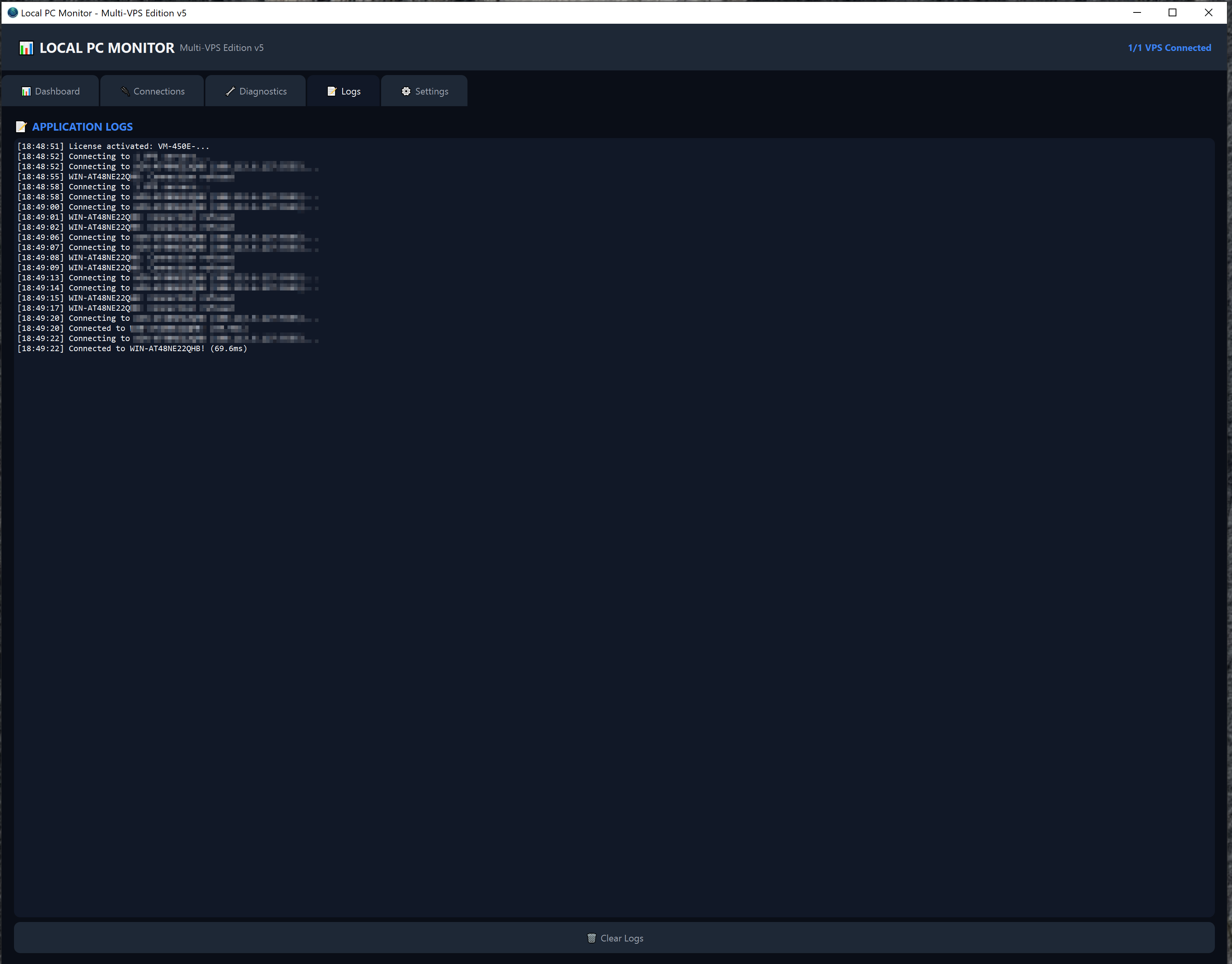
Local PC Monitor

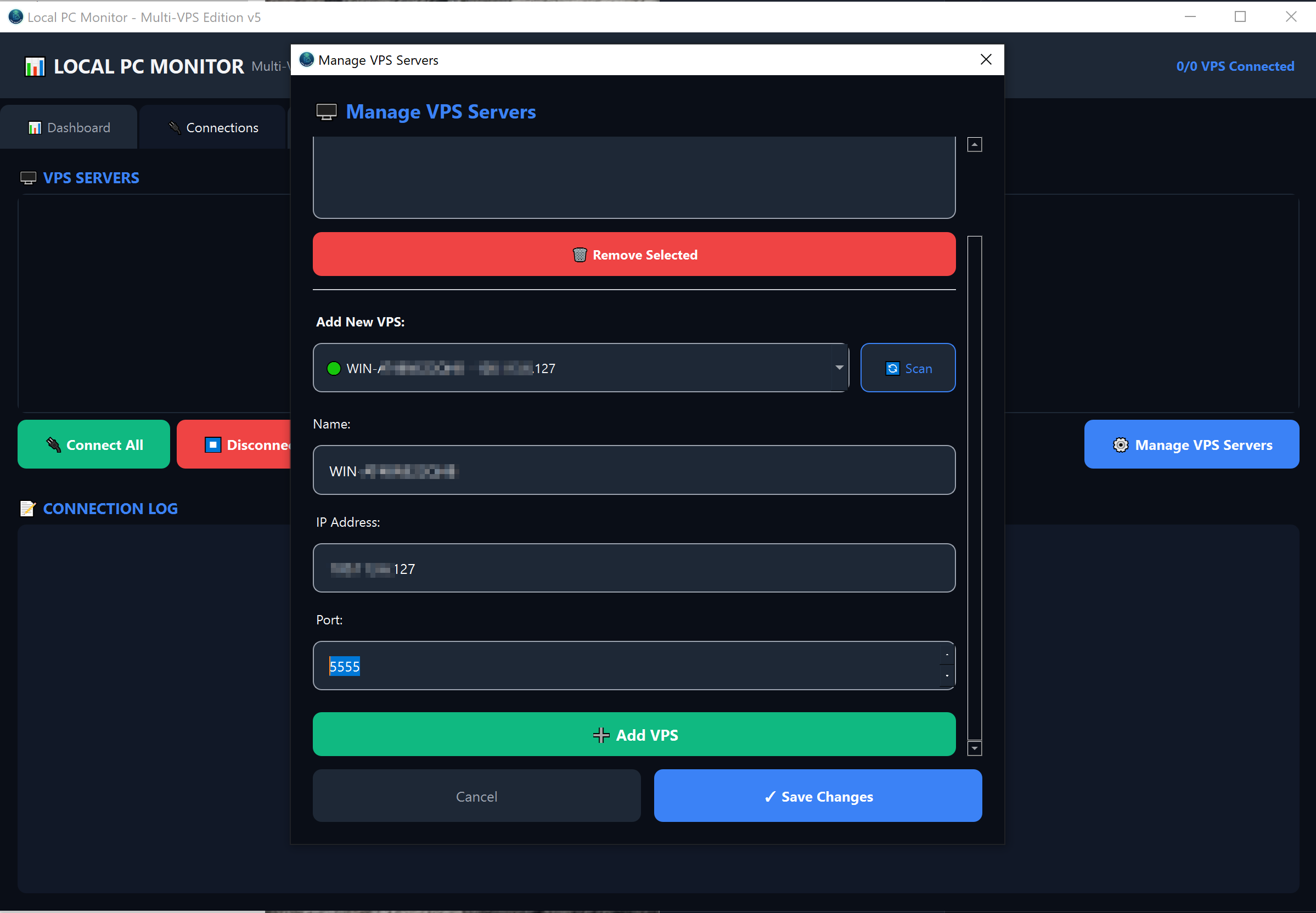
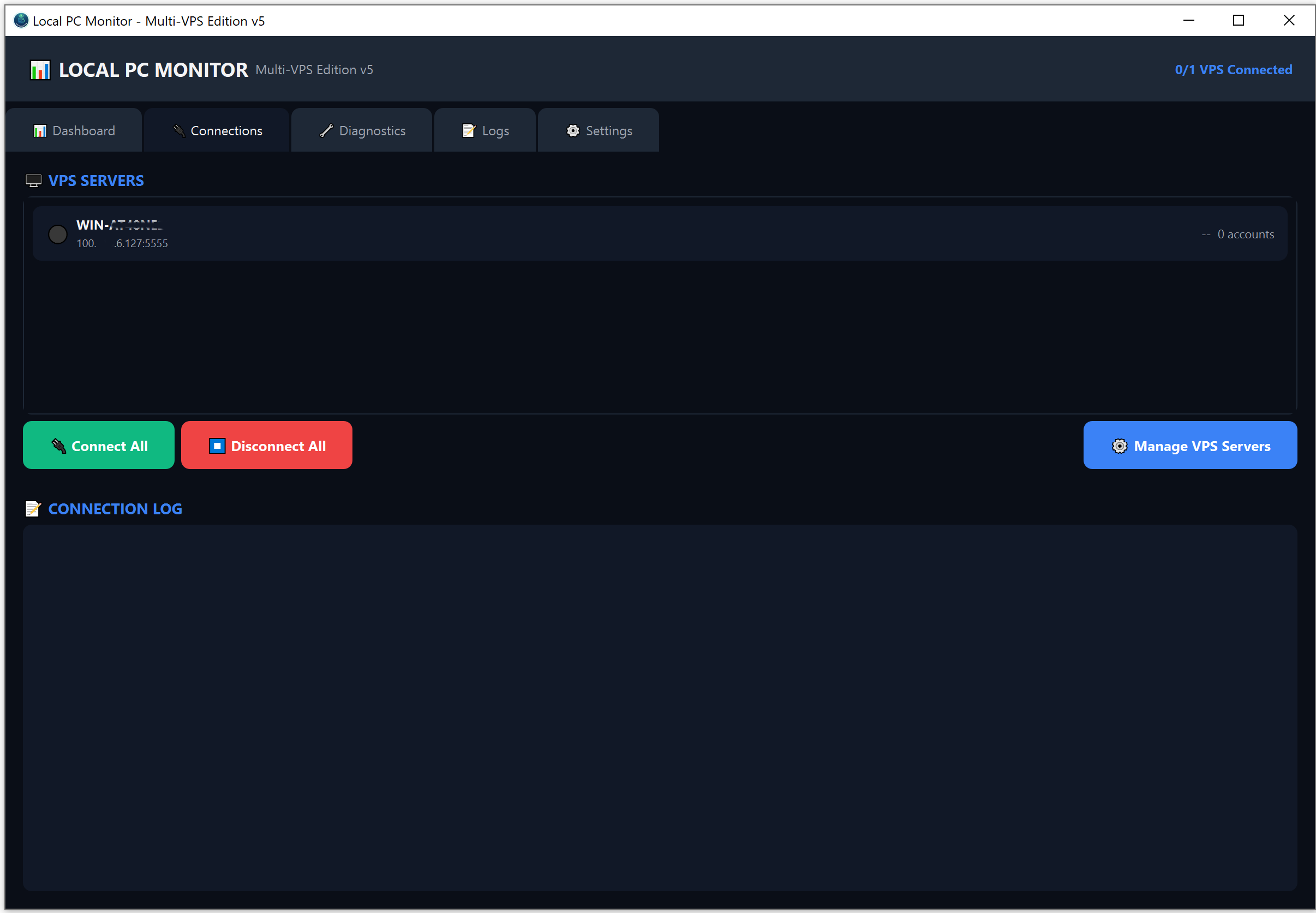
Runs on your home PC. Connects to ALL your VPS servers via Tailscale and shows everything in one dashboard.

🌐

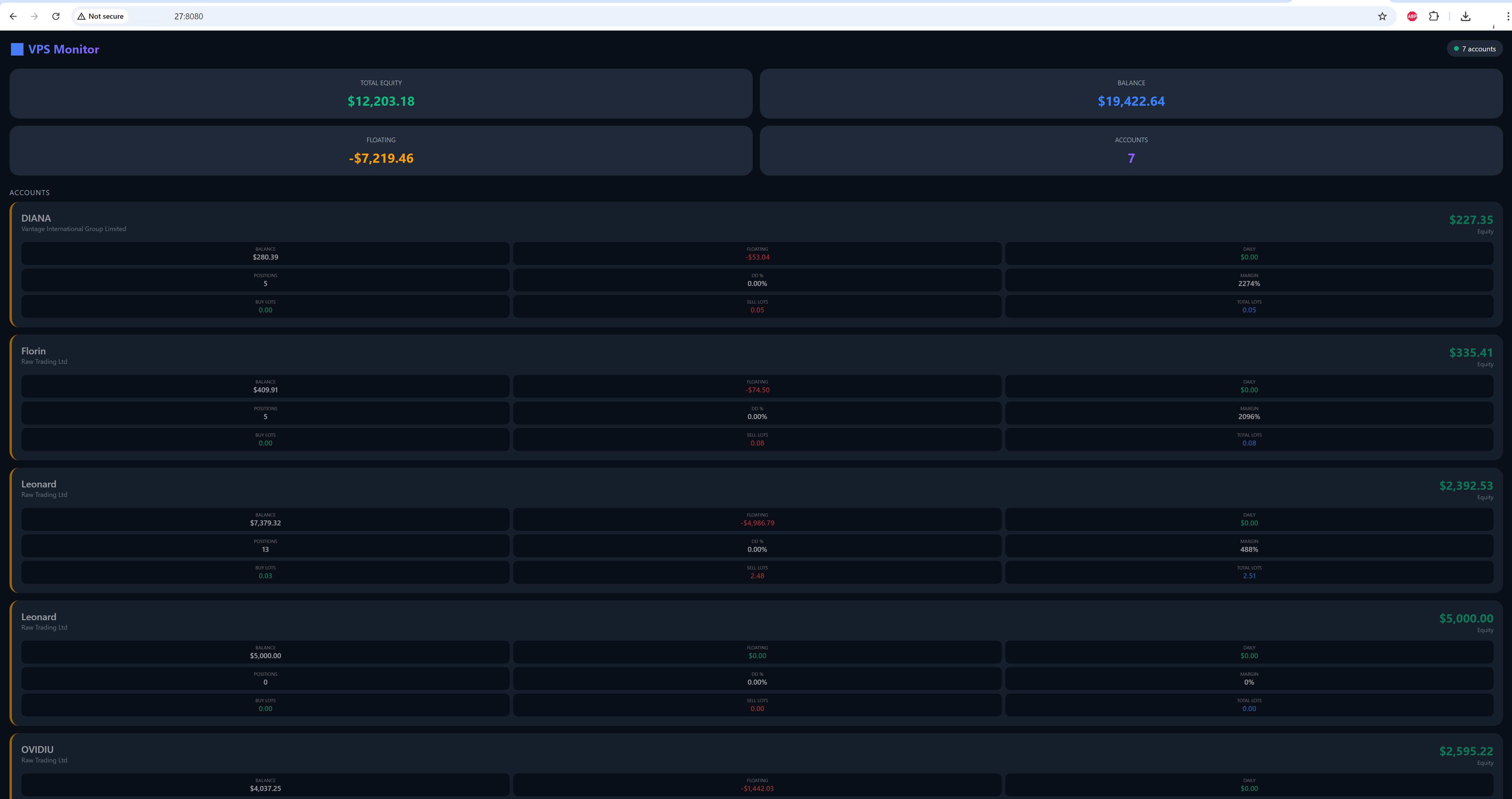
Web Dashboard

Access your monitoring data from any browser. Check your accounts from anywhere in the world.

Features

Everything You Need

  • VPS Monitor Application
  • Local PC Multi-VPS Dashboard
  • Web Dashboard Access
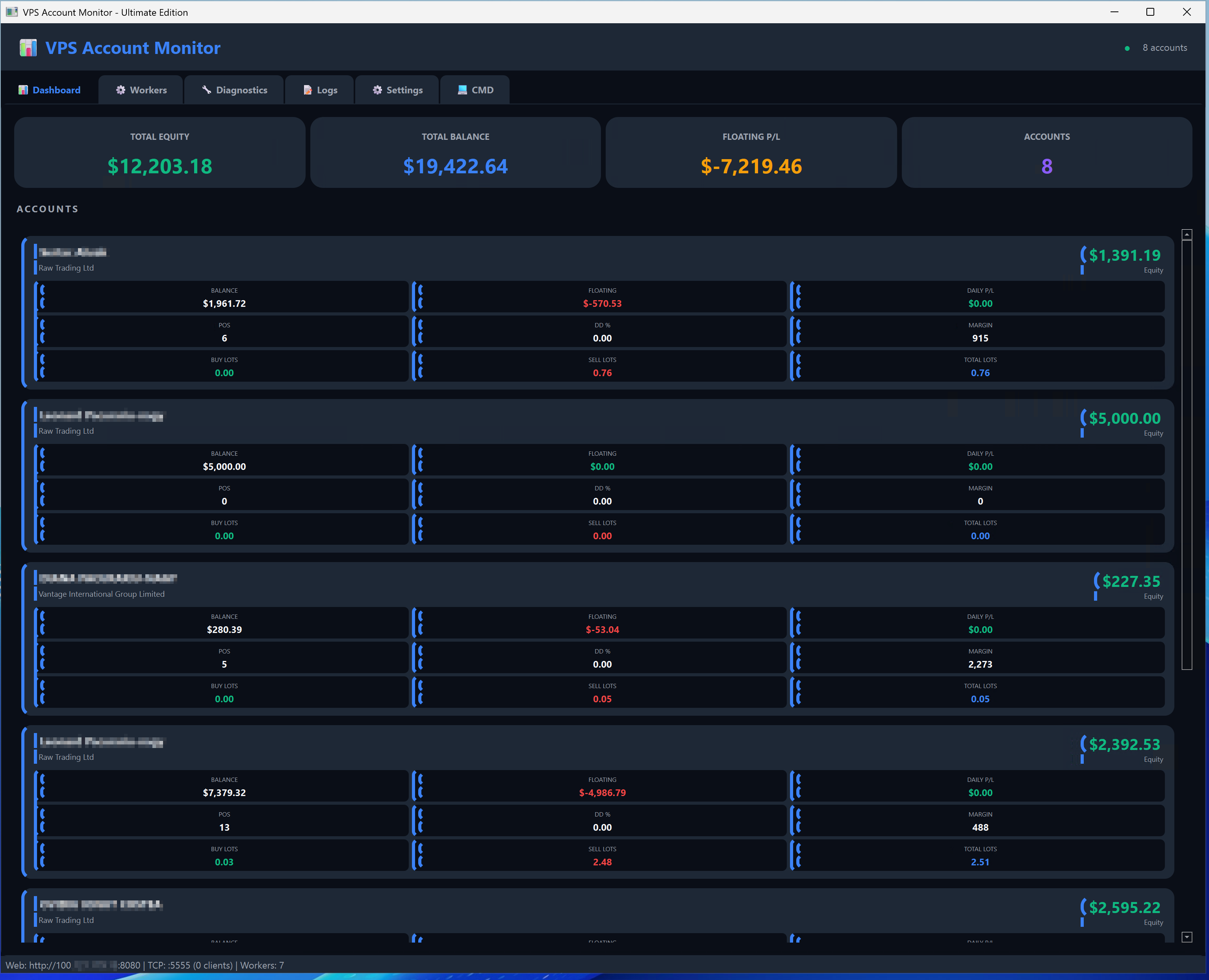
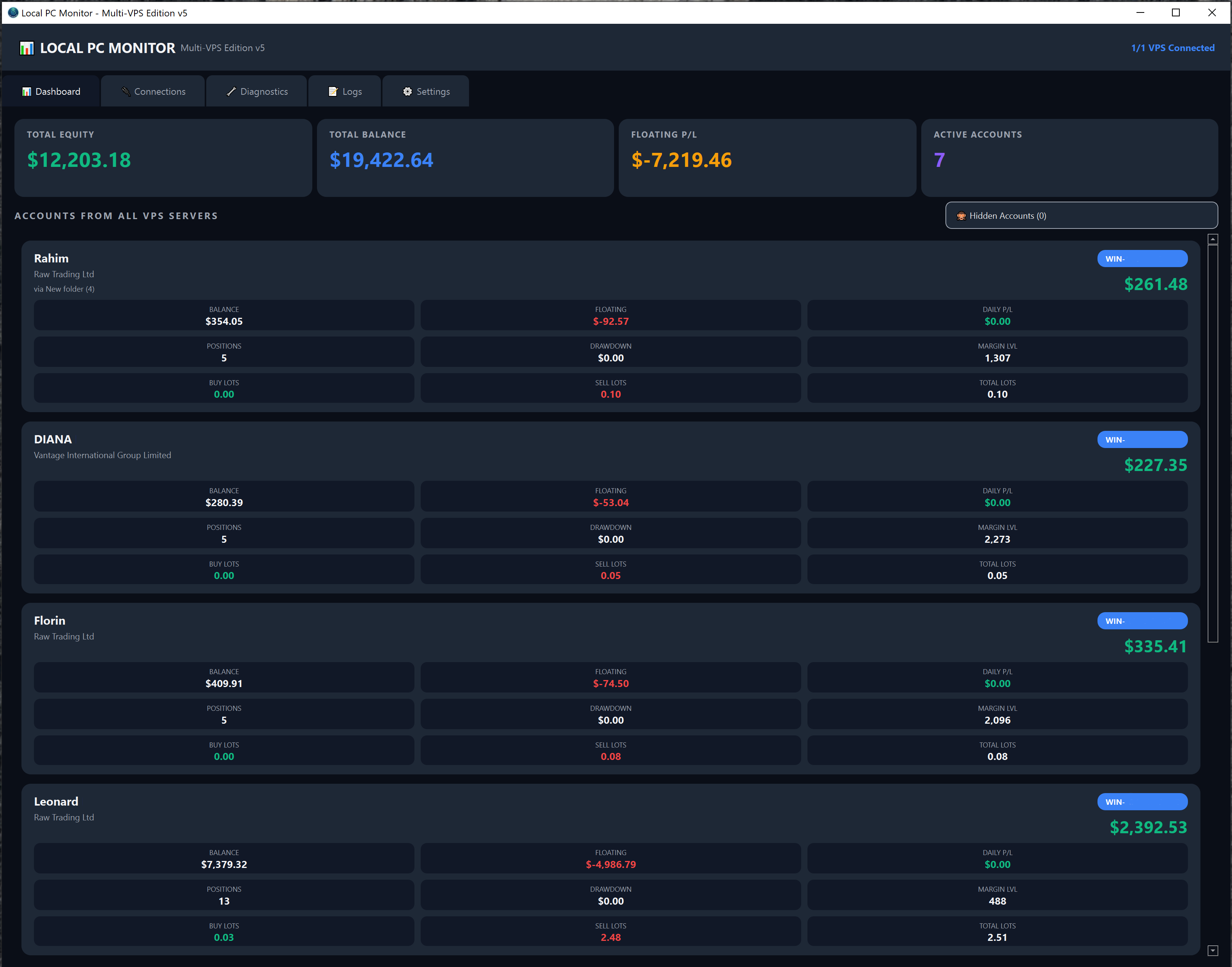
  • Real-time Account Monitoring
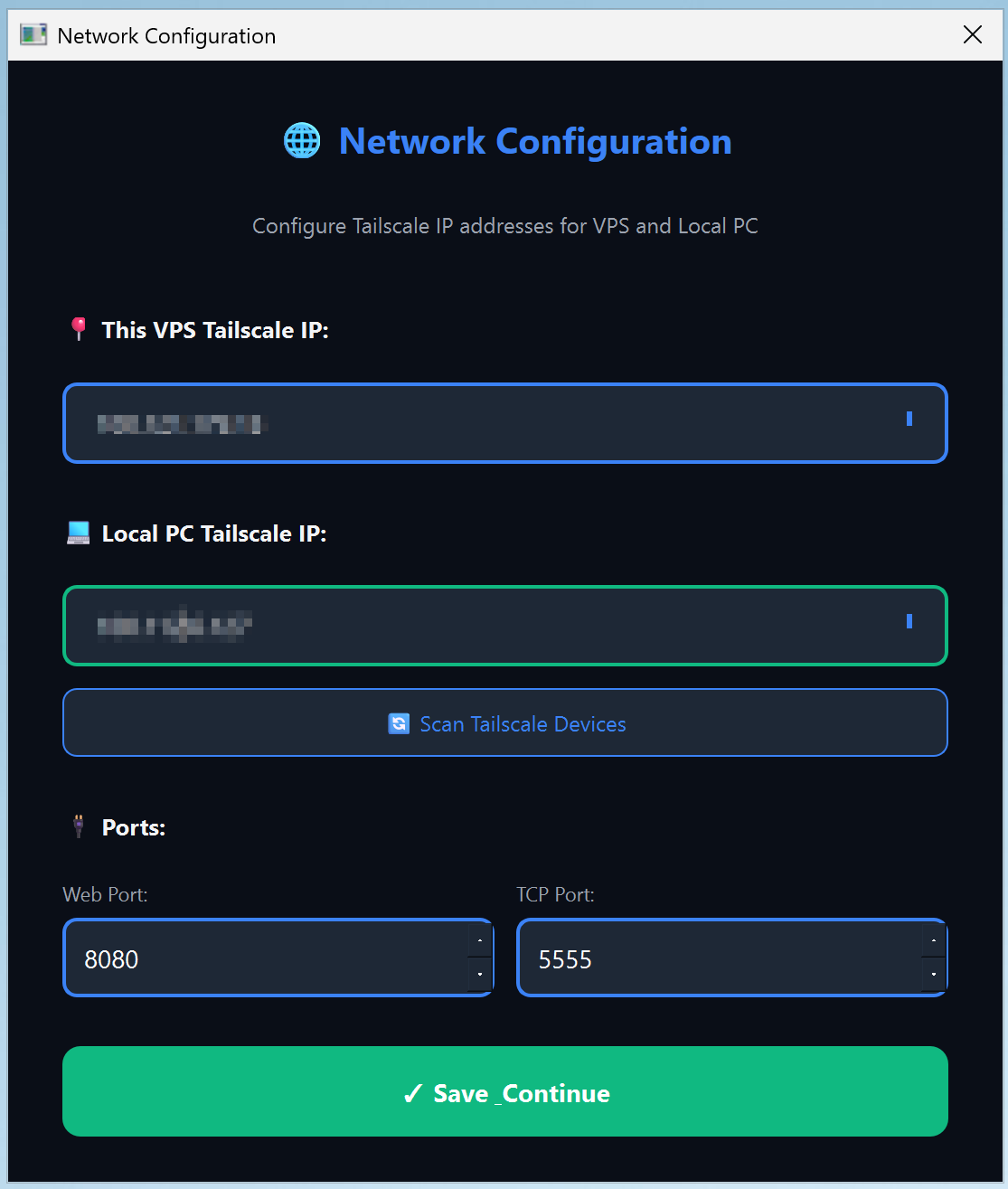
  • Multi-VPS Support via Tailscale
  • Equity & Balance Tracking
  • Drawdown Monitoring
  • Position Tracking
  • Buy/Sell Lots Display
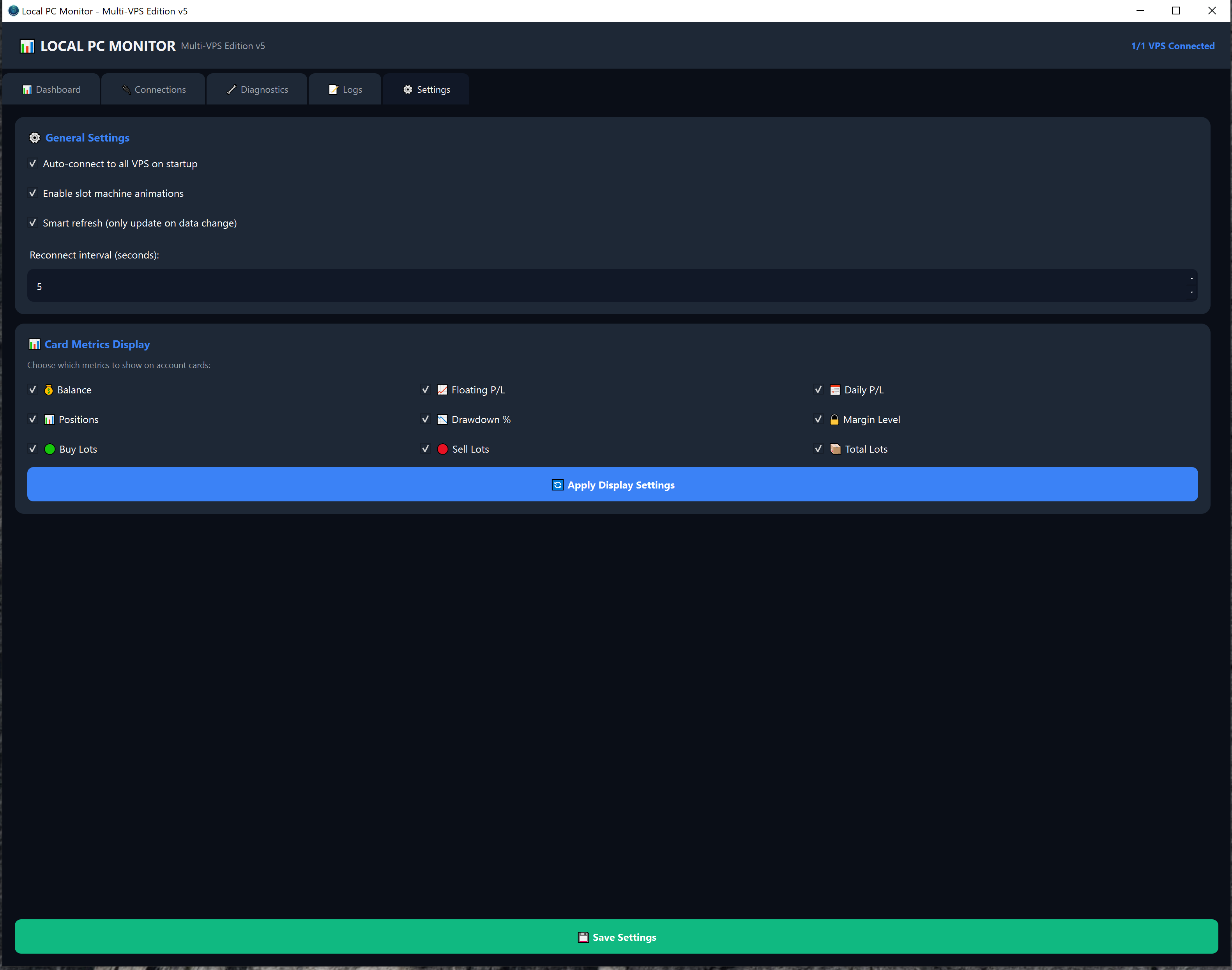
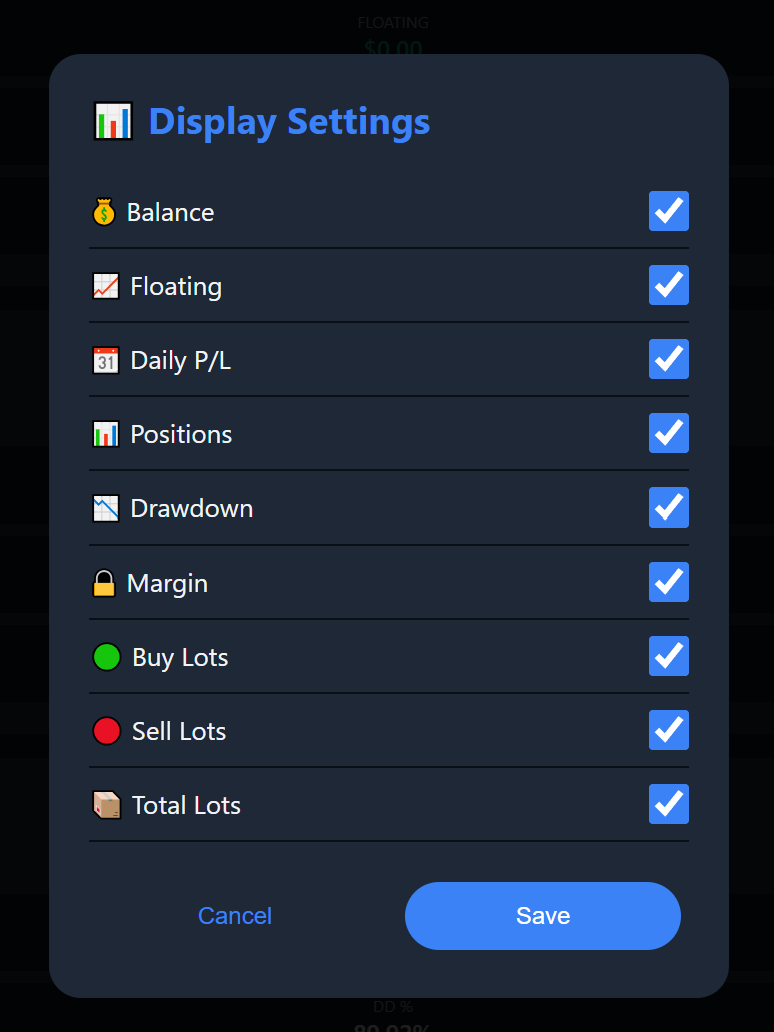
  • 9 Customizable Metrics
📸 Dashboard Screenshot
Insert screenshot here

🔗 Tailscale Required

VPS Monitor Pro uses Tailscale to create a secure private network between your devices. It's free and takes 2 minutes to set up.

  1. Download Tailscale from tailscale.com/download
  2. Install Tailscale on ALL devices (VPS servers + Local PC)
  3. Sign in with the same account on all devices
  4. Enable "Allow local network access" in Tailscale settings
  5. Your devices can now see each other securely!
Download Tailscale →
Requirements

System Requirements

🖥️ VPS Requirements

  • ⚡ Windows 10/11 or Windows Server
  • ⚡ MetaTrader 5 Terminal
  • ⚡ Tailscale Installed
  • ⚡ Internet Connection

💻 Local PC Requirements

  • ⚡ Windows 10/11
  • ⚡ Tailscale Installed
  • ⚡ Internet Connection
Setup Guide

Watch the Setup Tutorial

▶️Setup Video Coming Soon

Ready to Monitor Your Accounts?

Start your 7-day free trial today. No credit card required.

Start Free Trial View Pricing